SectionProducts
In market06 apps + utilities
PlatformsiOS · macOS · Win · Web
Last releaseLuxebook 1.2 · 2026

Apps that
stay on your side
of the screen.

Three product families and a handful of focused desktop utilities. Each one is built around the same idea: software you install should work for you, not study you.


№ 01 · New · 2026 Featured
Luxebook · luxebook.app
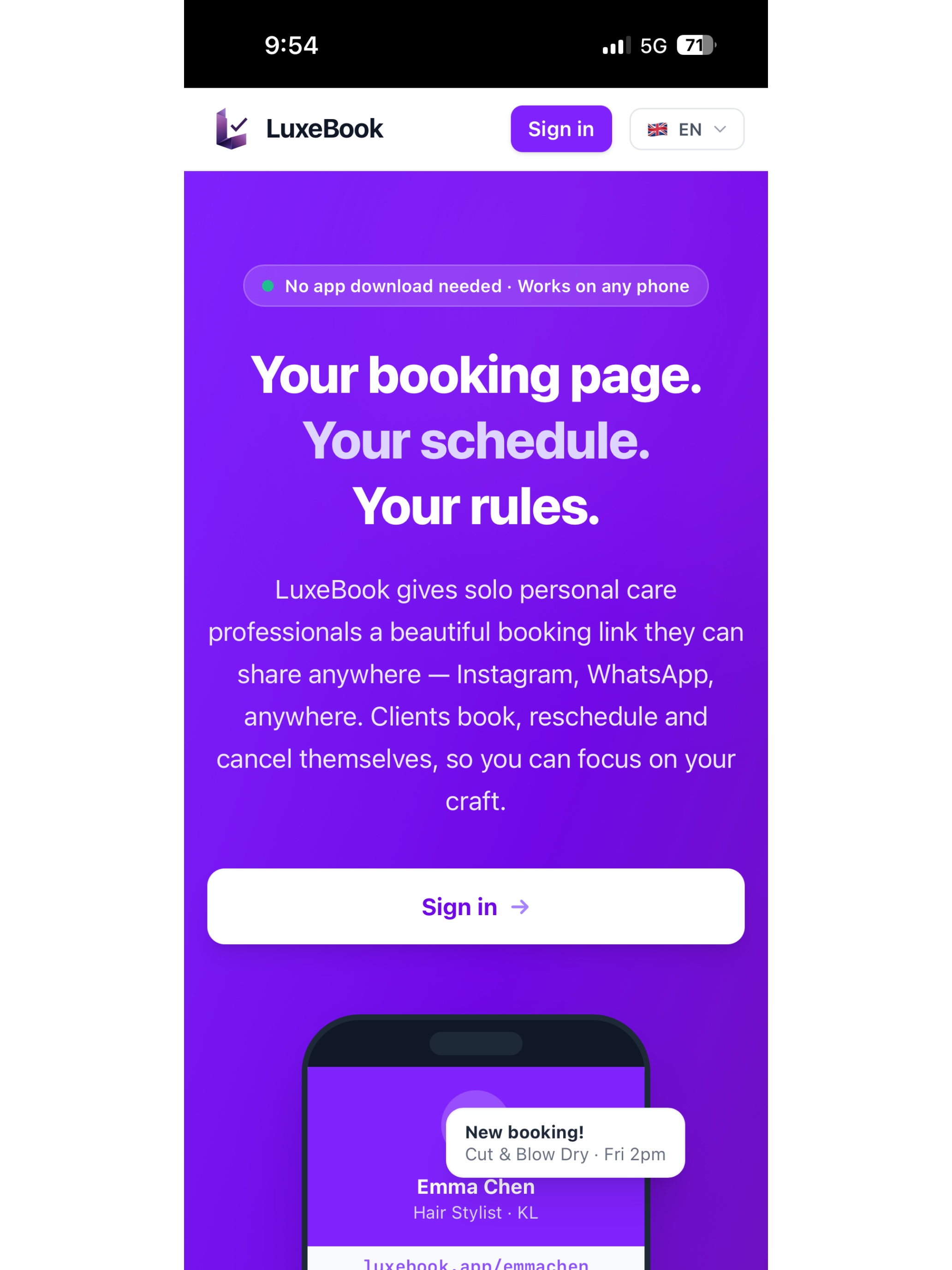
Luxebook — Your booking page. Your schedule. Your rules.

Luxebook

Booking software for the way solo professionals actually work — one calendar, your own brand, no marketplace skimming a cut.

  • 01One person, one calendar. No staff seats, no team add-ons. Pricing and design are made for the way independents work.
  • 02Native on every platform. Real apps on iOS, macOS, and Windows. Offline-first; works without a signal.
  • 03Your client book stays yours. Notes, history, and contact details live on your devices and sync through your own iCloud.
  • 04Booking page, included. A shareable booking page on a clean domain. No third-party trackers, no scripts you didn't ask for.

№ 02 · E-book ecosystem Featured

BiblioFuse

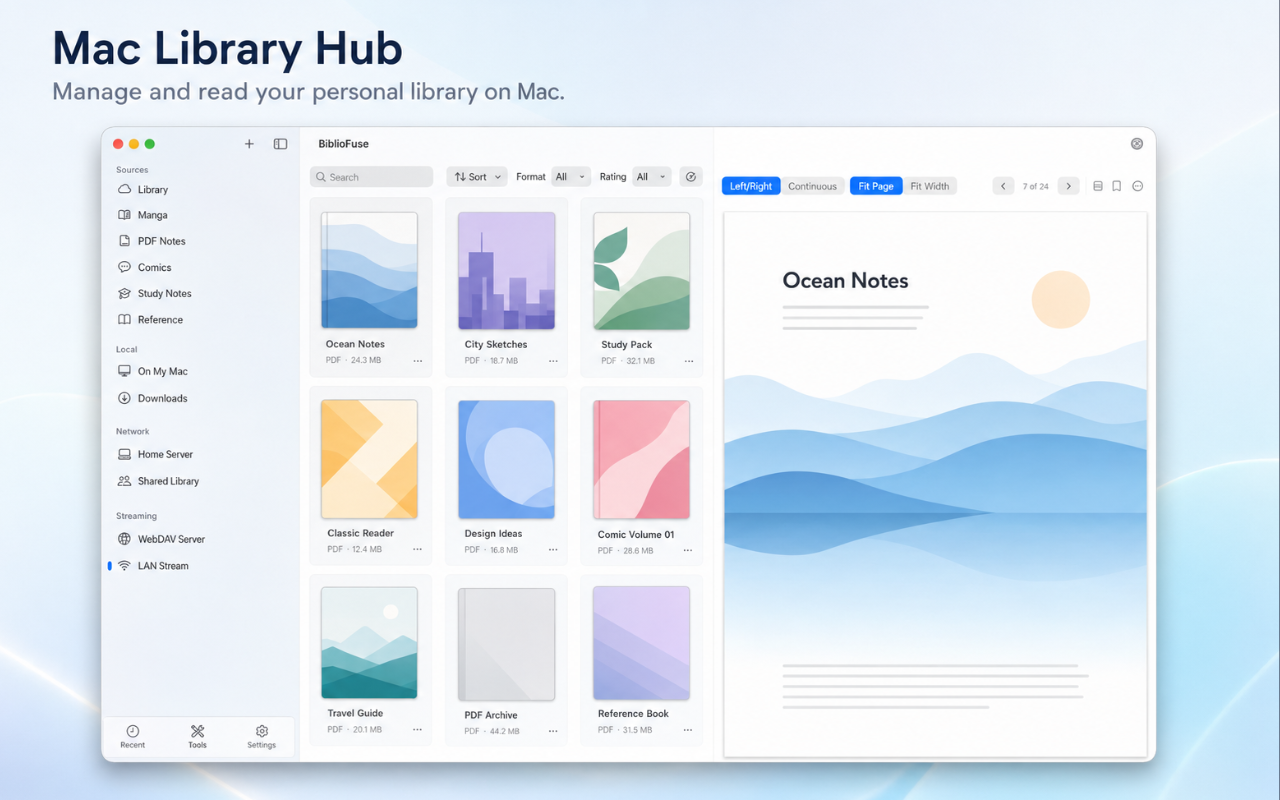
A full e-book ecosystem: converter, library, and reader, in one cohesive suite — across iOS, Android, Web, and Windows.

  • 01Read everywhere. EPUB, CBZ, and PDF support with native rendering on every platform.
  • 02Smart compression. Squeeze file sizes without losing what makes the book readable.
  • 03iCloud-native sync. Library and reading progress in step across Apple devices, automatically.
  • 04Zero reading-habit tracking. Nothing about what you read is sent anywhere.
  • 05Remote streaming over 5G. Your Mac becomes the library server; Tailscale handles the secure tunnel. Open your home collection from anywhere — no cloud upload, no third-party host.
BiblioFuse · macOS
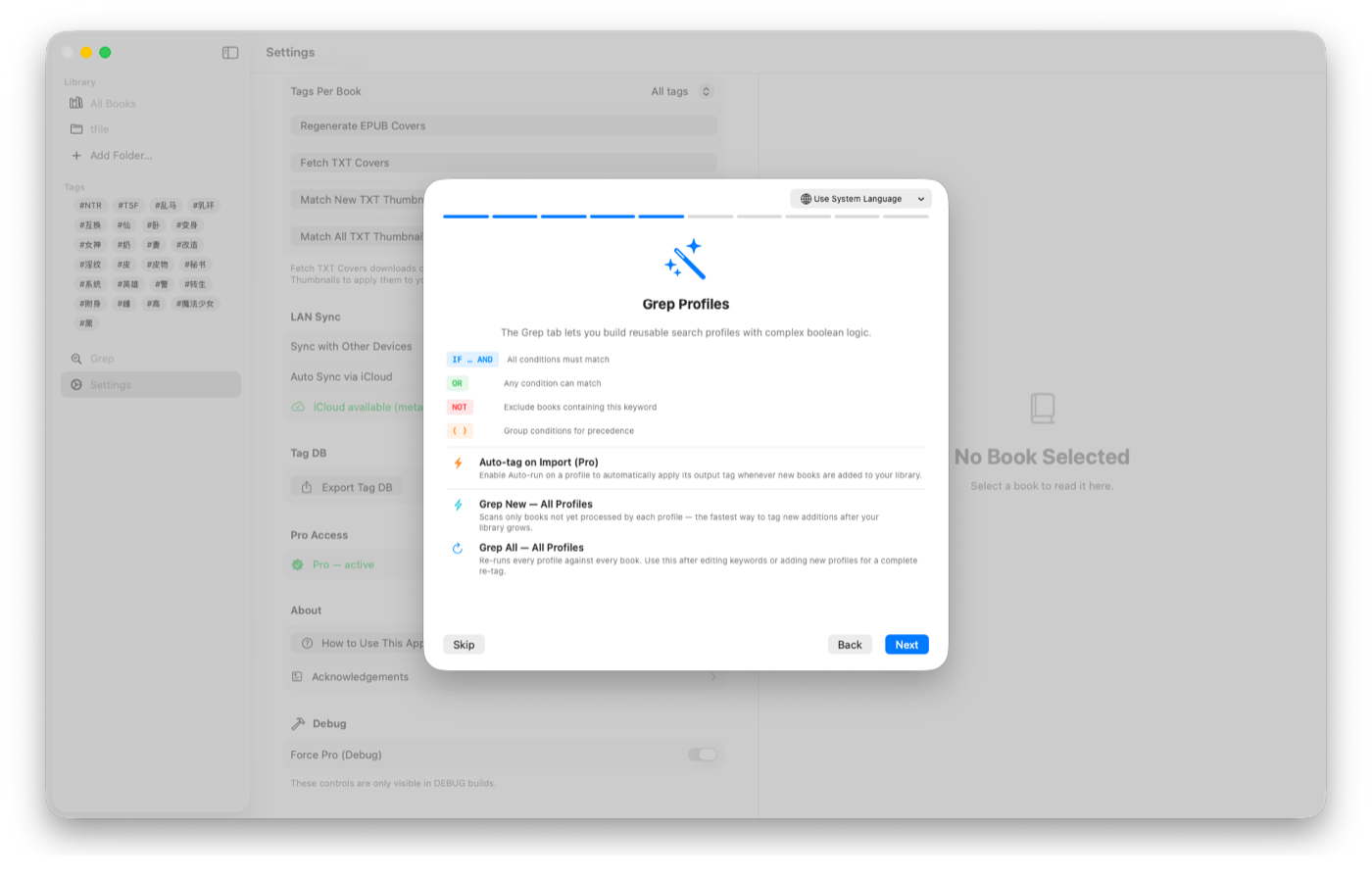
BiblioFuse on macOS — Library Hub

№ 03 · Browser utilities Featured
LokalTools · lokaltools.com
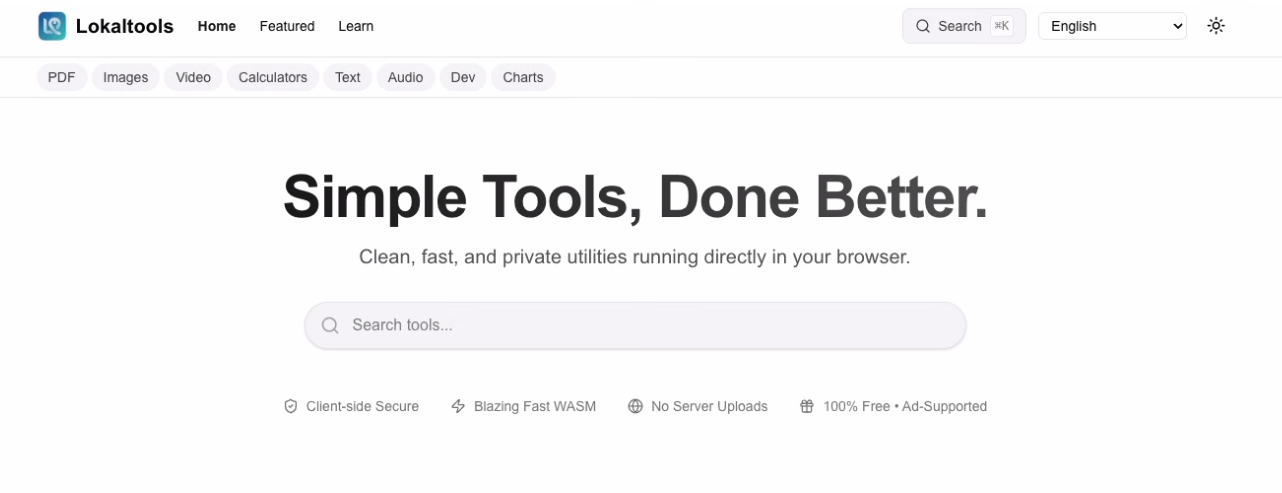
LokalTools homepage — Simple Tools, Done Better

LokalTools

A growing toolbox of focused utilities that run inside your browser. WebAssembly does the heavy lifting locally — your files never leave the tab.

  • 01Twenty-plus utilities. PDF editing, image and video processing, formatting, hashing, charts. New tools added regularly.
  • 02WebAssembly, locally. The heavy work runs in your browser. No uploads, no accounts.
  • 03Free and open. Free, ad-supported, with an open-source core. Ads keep the tools free without ever touching your data.

№ 04 · New · 2026 Featured
SmartDecrypt · iOS / macOS / Win
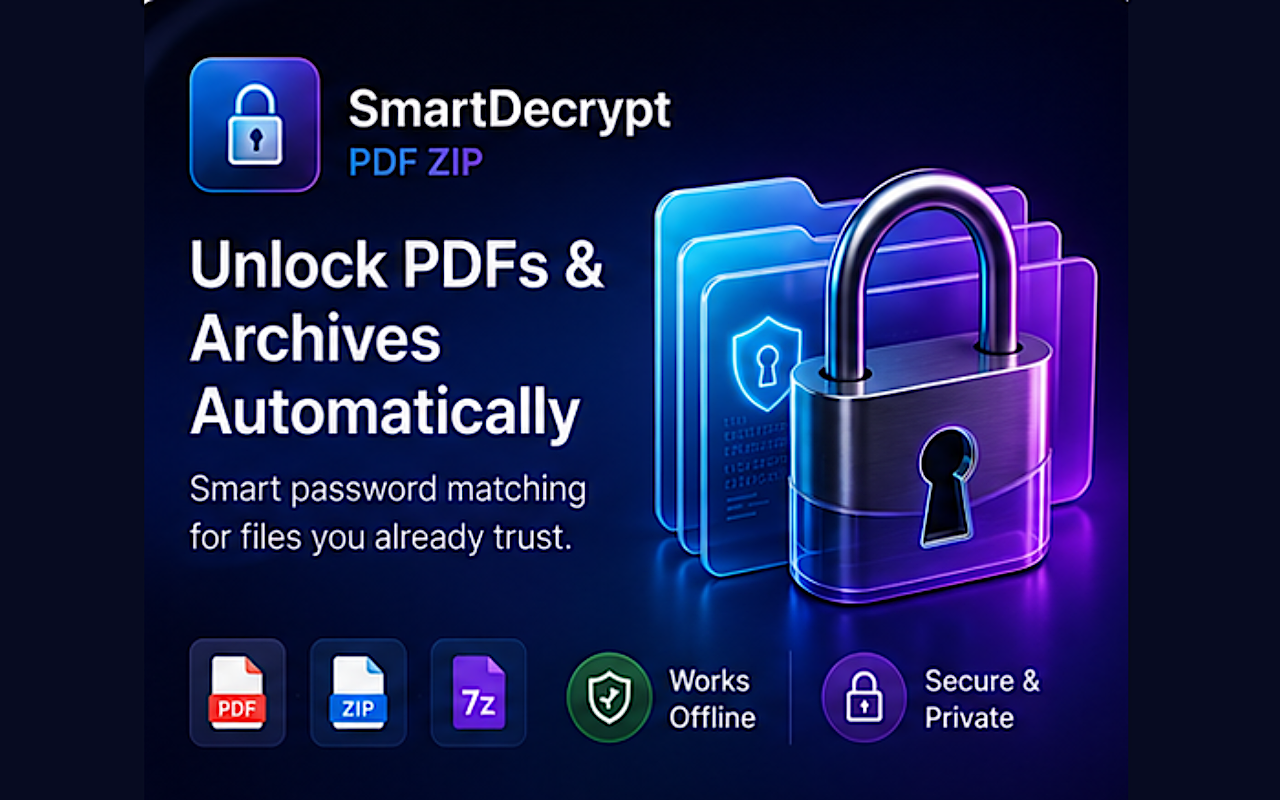
SmartDecrypt — unlock PDFs and archives automatically

SmartDecrypt.

Unlock password-protected PDFs and archives without rummaging through notes for the right password. Save a pattern once — SmartDecrypt matches future files automatically.

  • 01Save a pattern, unlock forever. Bank statements, payslips, invoices — any file with a repeatable password format.
  • 02PDF, ZIP, and 7z. Unencrypted archives extract normally. Encrypted ones get matched to your saved patterns.
  • 03Drag, drop, done. Native macOS app, full iOS Share Sheet support, Windows version on the Microsoft Store.
  • 04Keychain-stored, on-device. Passwords live in the system Keychain. Unlock runs locally — no document ever uploaded.

№ 05 · New · 2026 Featured

Archive Duplicate Scanner.

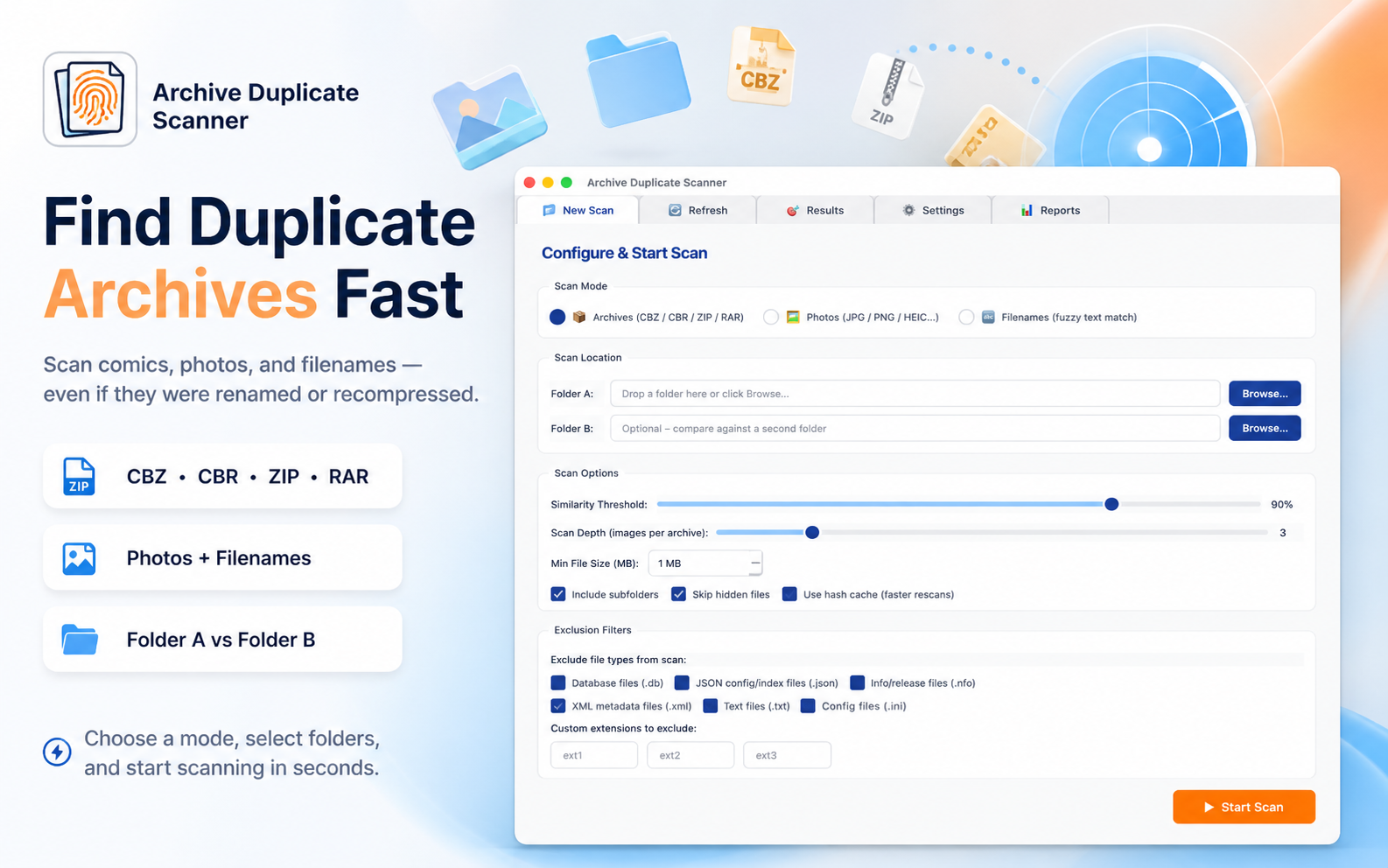
Find and remove duplicate comic archives, photos, and files — even when they've been renamed, recompressed, or saved in different folders. Visual matching, not filename matching.

  • 01CBZ, CBR, ZIP, RAR. Opens each archive and compares the actual pages inside using perceptual hashing.
  • 02Photo deduplication. JPG, PNG, HEIC, WEBP, BMP, GIF. Catches recompressed and rescaled copies that file-size tools miss.
  • 03Safe by design. Marked files go to system Trash, never permanent delete. Last-copy safety warning before any batch operation.
  • 04Hash cache. Repeat scans of the same folder are near-instant. Local SQLite, never uploaded.
Archive Scanner · macOS
Archive Duplicate Scanner — main interface

№ 06 · New · 2026 iOS

ContentCue.

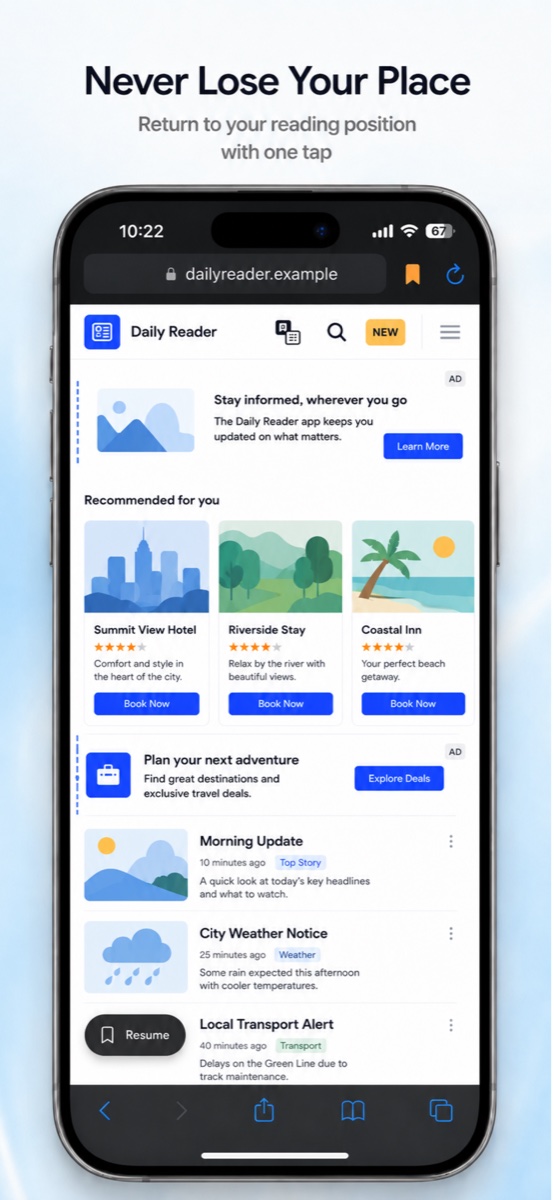
A mobile browser built for content readers. No tracking, no history stored — and a one-tap position restore so you never lose your place when popups interrupt.

  • 01Position restore. Auto-saves your scroll position before any interruption. One tap gets you straight back to where you were reading.
  • 02Visual ad distinction. Colored borders around in-page ads so you always know what's content and what isn't.
  • 03Audio mute toggle. Silence autoplay audio site-wide with one tap — read in peace in public or quiet spaces.
  • 04Zero tracking. No browsing history stored, no analytics, no data collection. Everything stays on your device.
ContentCue · iOS
ContentCue — Reading Browser for iOS

§ 05 — Earlier work

Also in the store.
Older utilities, still maintained.

A handful of earlier Windows-only utilities from before the studio's recent native-first push. Offline, focused, still listed.

§ 06 — Product philosophy

Every product in the studio is built to work for you, not to study you. Privacy is not a feature — it's the default that everything else is shaped around.

01 · On-device

Processing happens locally whenever it can. Your files, your client list, your library — they stay on your hardware.

02 · No tracking

No analytics SDKs, no behavioural pings. If a product needs a server, it does the minimum and nothing more.

03 · Built to last

Native frameworks, modern stacks, careful dependencies. Software that should still feel good in five years.